2 Factor Authentication (2FA)
What is 2FA?
Enabling 2FA for your Steward account provides an additional layer of security that greatly reduces the risk of unauthorized access. By requiring a one-time verification code generated on your registered device, 2FA ensures that even if your username and password are compromised, cybercriminals would still need physical access to your device to gain entry. This added security measure protects your sensitive information and financial assets, giving you peace of mind in an increasingly digital world. We highly recommend enabling 2FA to safeguard your Steward account and maintain the highest level of security for your personal and financial data.
Authenticating with your mobile device
Passwords and email logins provide a basic level of protection, but they can still be compromised. A stronger form of security is something only you physically possess — your mobile device. Authentication apps such as Google Authenticator and Authy, as well as iPhone’s built-in code scanner, generate one-time verification codes that refresh automatically. These codes are only available on the device you’ve registered, making it significantly harder for a cybercriminal to access your account.
When prompted, simply open your authentication app, view the current code displayed for gosteward.com and enter it in the field displayed on your browser.
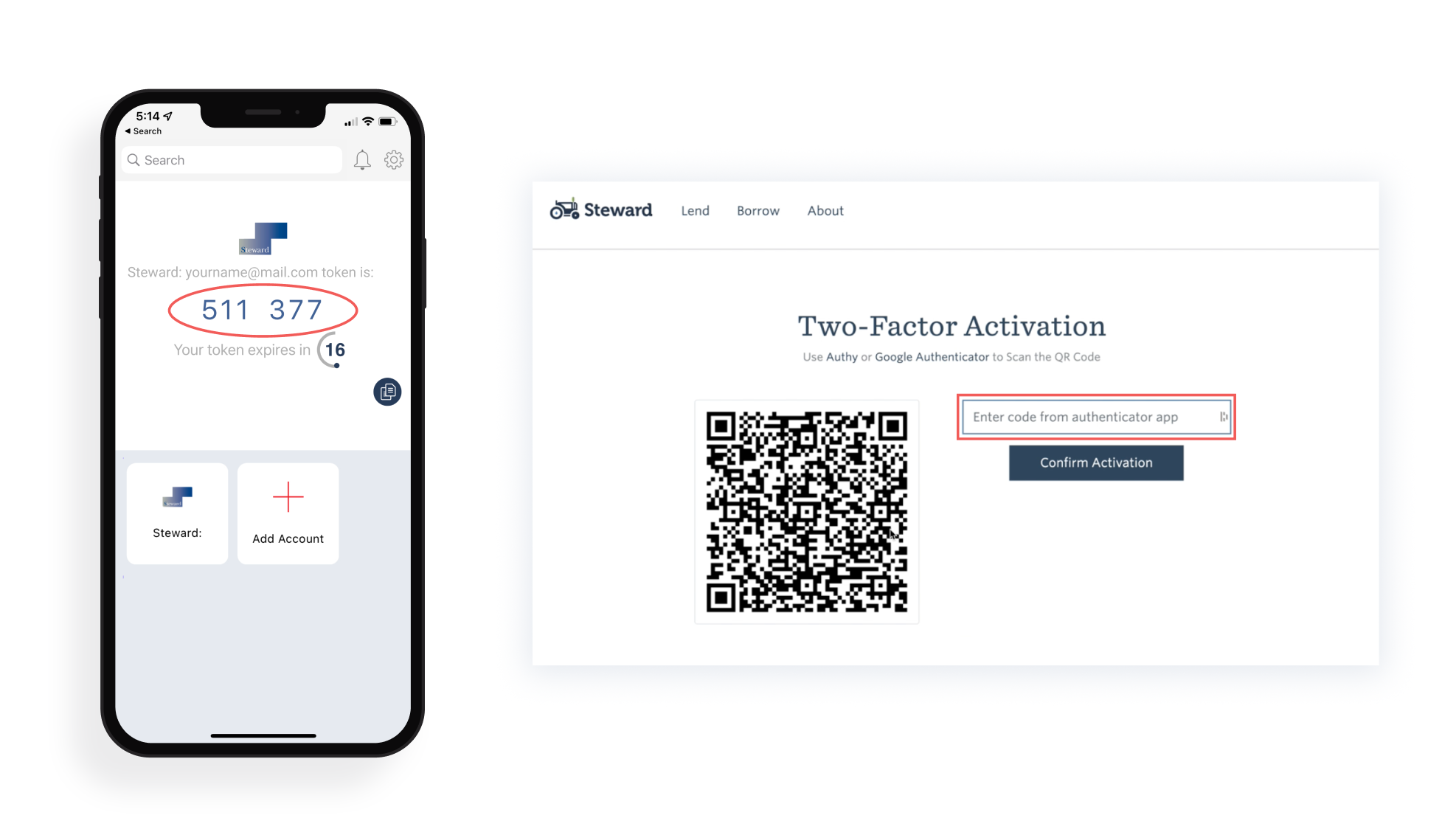

Turn on Two-Factor Authentication for your Steward account
- Log in to your Steward account
- In your User Dashboard, go to Settings > Personal Profile
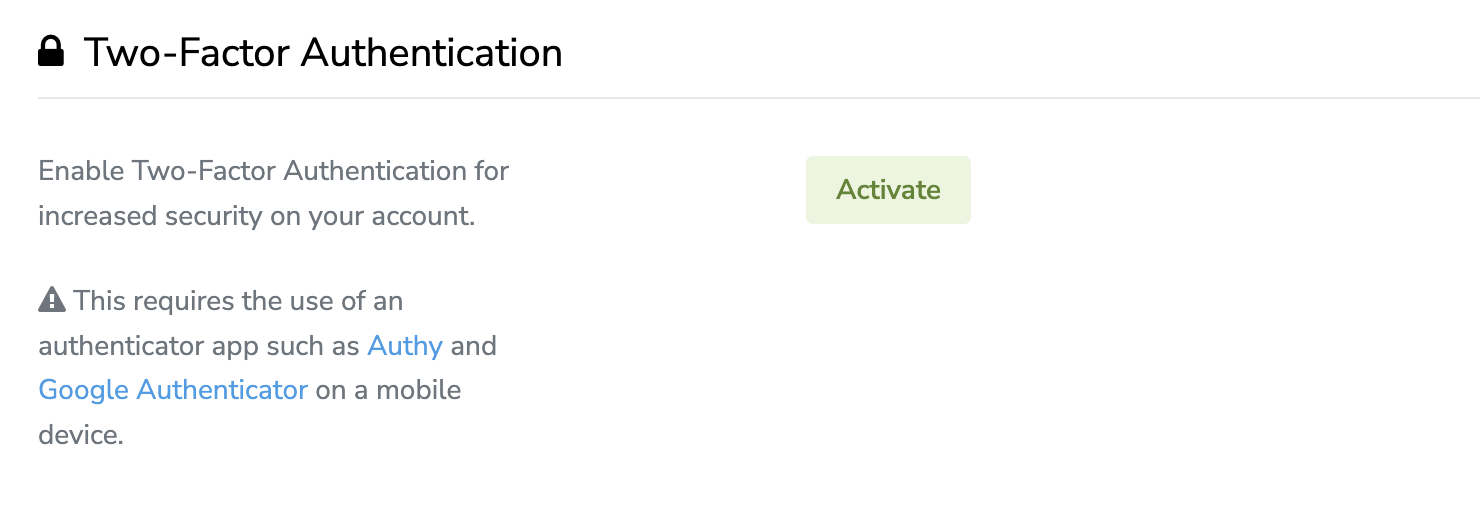
- Scroll down to the section titled "Two-Factor Authentication" and click Activate
- You will be presented with a QR code to scan in any authenticator app. Enter the code presented on your device and click Confirm Activation.
Log in to your Steward account with 2FA
Once you have set up Two-Factor Authentication on your account, the next time you log in you will be presented with a 2FA field.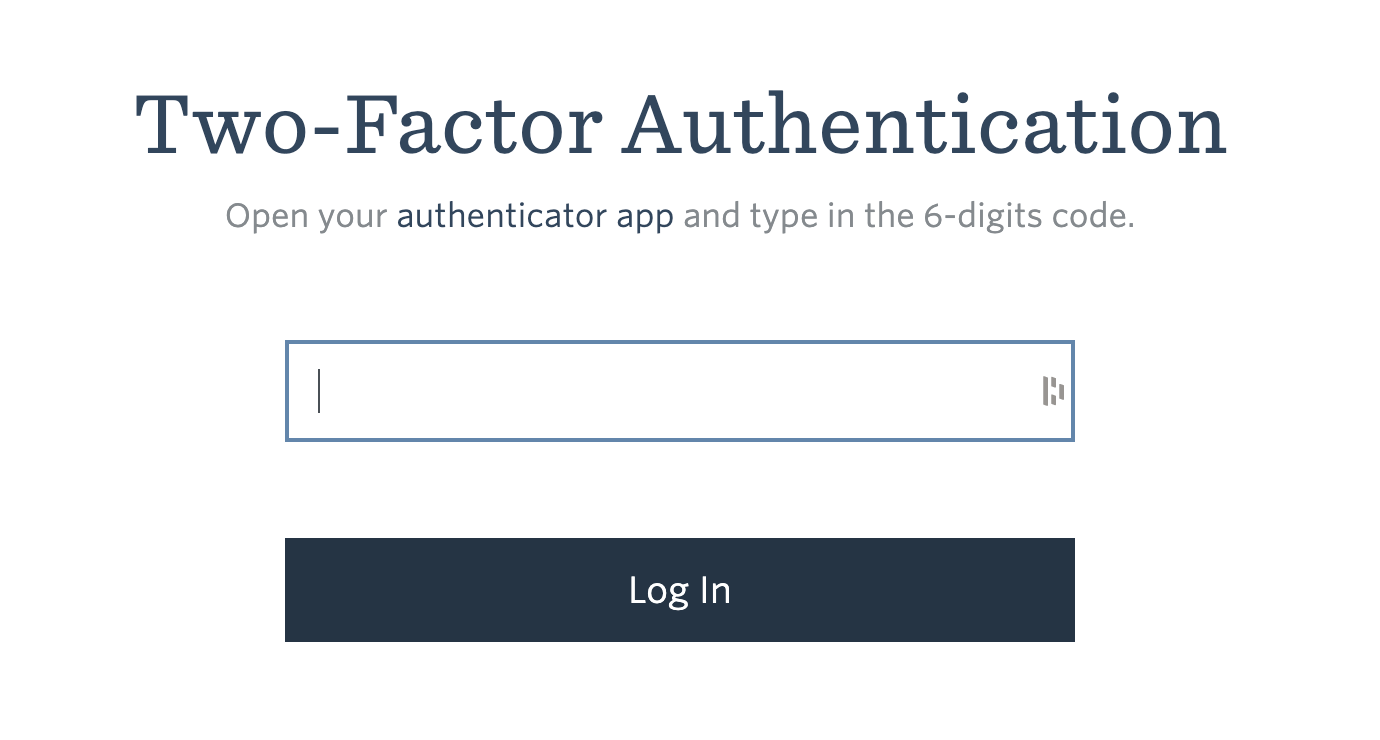 Open the authenticator app on your device and find the code for Steward (gosteward.com). Enter the 6 digit code into the 2FA field and proceed to log in.
Note that authentication codes refresh regularly. If at first the code is invalid, check your authenticator app again for the latest code.
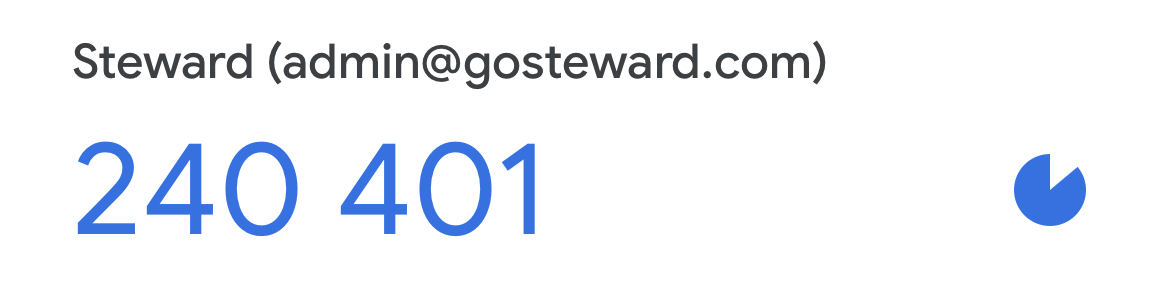
The above code is an example only. The 2FA code may appear differently in your chosen app.

Issues Completing Your Two-Factor Authentication
If you experience any problems that prevent you from completing your 2FA and logging into your Steward account, just let us know at support@gosteward.com
Possible access issues could include:
- Lost or damaged phone / device
- Deleted, or other inability to access authentication app
- Steward account removed from authentication app